DNS Address Could Not Be Found in Chrome: How to Fix It
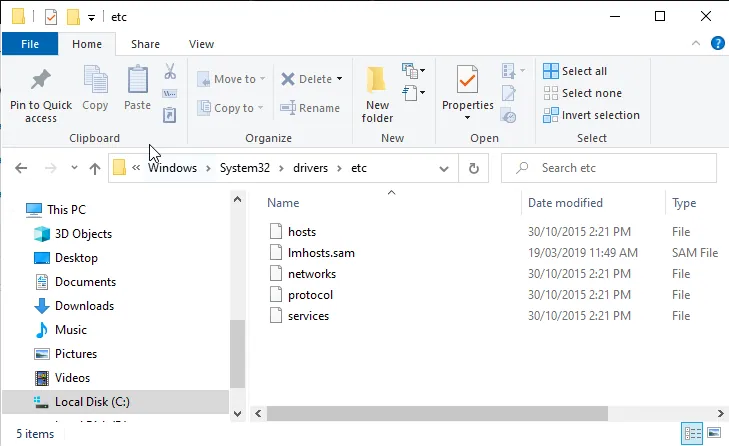
Fix the "DNS address could not be found" error in Google Chrome: clear the host cache, flush DNS, change your DNS servers and clean the etc folder.
Fix the "DNS address could not be found" error in Google Chrome: clear the host cache, flush DNS, change your DNS servers and clean the etc folder.
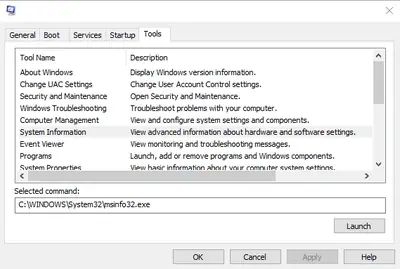 System Thread ExceptionWindows Fixes6 min▲ Updated
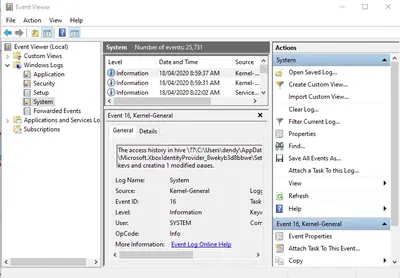 Kernel Security CheckWindows Fixes19 min▲ Updated
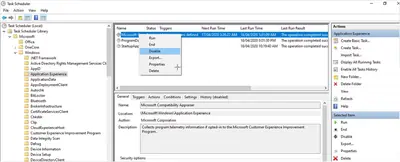 Compatibility TelemetryWindows Fixes5 minNov 4
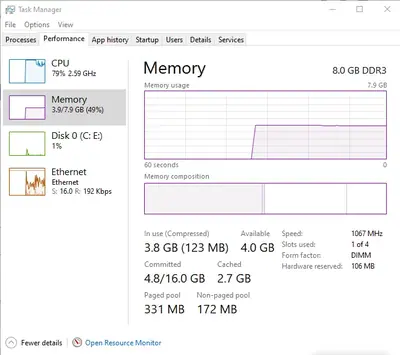 SuperFetch Disk UsageWindows Fixes6 min▲ Updated
 Discord Push to TalkWindows Fixes4 minOct 31
 Realtek HD AudioWindows Fixes4 min▲ Updated
Reviewed by the Ilmiah team · Nov 10, 2026
Type the error message, stop code or app name and jump straight to the step-by-step guide. Free, no sign-up needed.